
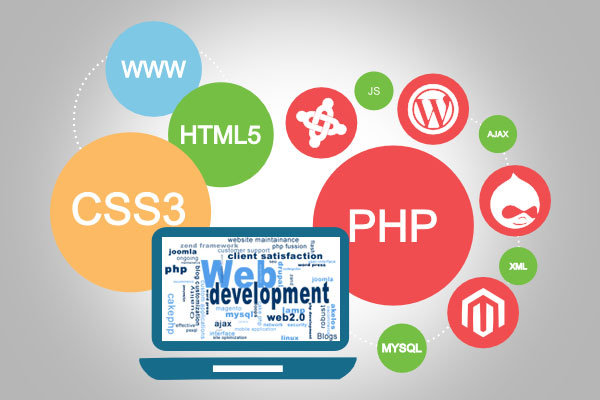
Building a website used to be a task only developers could handle. Today, AI and drag-and-drop builders have completely changed that. Whether you’re starting a blog, portfolio, business site, or eCommerce store, anyone — even without coding — can now design professional, mobile-friendly websites in minutes.
In this guide, we’ll explore the best web design tools for beginners, carefully tested and ranked based on ease of use, customization, SEO performance, and scalability.
By the end, you’ll know exactly which tool to pick depending on your goals — whether you’re a creator, entrepreneur, or agency looking to design client websites faster.
Top Web Design Tools for Beginners
Here are the top 3 beginner-friendly tools that combine simplicity, performance, and design flexibility:
- Wix – Best overall for absolute beginners.
- Elementor – Best drag-and-drop WordPress builder.
- Webflow – Best for learning real-world design systems.
These tools are intuitive, SEO-ready, and built to help you create visually stunning websites — even if you’ve never written a line of code.
1. Wix – The Best Overall Web Design Tool for Beginners
Ease of Use: ★★★★★
Pricing: Free plan available, Premium from $16/month
Ideal For: Small businesses, freelancers, and creatives
Why We Recommend Wix:
Wix leads the market for good reason. With its AI-powered Wix ADI (Artificial Design Intelligence), you can create a custom website in under 10 minutes by simply answering a few questions.
You can then use the drag-and-drop editor to personalize layouts, add animations, or integrate apps — all visually.
Notable Features:
- 900+ designer templates
- AI-assisted website builder
- Built-in SEO & mobile optimization
- App market for advanced features
- Secure hosting and analytics included
Pair Wix with your marketing strategy — see our post on Best Page Builders for Non-Coders for more options.
2. Elementor – Best Drag-and-Drop Builder for WordPress
Ease of Use: ★★★★★
Pricing: Free plan, Pro from $59/year
Ideal For: Bloggers, marketers, and WordPress users
Why It’s Perfect for Beginners:
Elementor is the most intuitive way to design WordPress websites visually. With its real-time drag-and-drop interface, you can craft pages, headers, and popups — all without coding.
It also integrates smoothly with SEO plugins like RankMath and Yoast, making it ideal for anyone focused on performance and visibility.
Key Features:
- 100+ widgets & templates
- Theme builder for custom headers/footers
- Responsive editing for all devices
- Integration with WooCommerce, HubSpot, and Mailchimp
- SEO-optimized design structure
Pro Tip: Pair Elementor with a fast WordPress theme like Astra or GeneratePress. If you’re optimizing for Google Core Web Vitals, check out our guide on Fastest WordPress Themes for SEO.
3. Webflow – Best for Learning Professional Design Systems
Ease of Use: ★★★★☆
Pricing: Free plan available, Paid from $14/month
Ideal For: Beginners who want to understand real web design
Webflow bridges the gap between no-code builders and developer-grade flexibility. It uses a visual CSS interface, so you can design with real front-end logic — learning how structure, spacing, and responsiveness actually work.
Why It’s Great:
- Visual coding interface (learn HTML/CSS visually)
- CMS integration for blogs or portfolios
- Custom animations and interactions
- Reliable hosting with SSL
If you plan to grow from beginner to pro, Webflow is the perfect stepping stone.
4. Canva Website Builder – Simplest for Visual Creators
Ease of Use: ★★★★★
Pricing: Free plan, Pro from $12.99/month
Ideal For: Freelancers, students, and small personal sites
Canva’s website builder is incredibly easy. You can start from scratch or use pre-built templates, drag in your elements, and publish instantly.
Best Features:
- 250+ website templates
- Free hosting & SSL
- Built-in animations and media
- Brand kits and collaboration tools
While it’s not suitable for complex sites, it’s unbeatable for landing pages, portfolios, or events.
5. Squarespace – Best for Beautiful, Branded Websites
Ease of Use: ★★★★☆
Pricing: From $16/month
Ideal For: Creative professionals and brands
Squarespace offers the most polished templates in the industry. It’s perfect for users who value aesthetics and consistency without heavy customization.
Why We Like It:
- Designer templates optimized for all devices
- Built-in analytics and SEO tools
- Ecommerce-ready
- Integrated marketing and scheduling tools
If you’re building a creative portfolio or business brand, Squarespace makes it look world-class from day one.
6. Framer – Best AI Website Builder
Ease of Use: ★★★★☆
Pricing: Free plan, Pro from $10/month
Ideal For: AI enthusiasts and startup founders
Framer uses AI to generate complete websites based on your input. Type “Create a portfolio for a designer” and it instantly builds layouts, color schemes, and sections.
Key Features:
- AI site generation
- Interactive animations
- Real-time collaboration
- Hosting included
It’s fast, innovative, and ideal for users who want a modern, lightweight site.
7. Figma – Best for Designing Before You Build
Ease of Use: ★★★★☆
Pricing: Free version available
Ideal For: UI/UX beginners and teams
Figma isn’t a builder, but it’s one of the best web design planning tools. You can create wireframes, mockups, and prototypes — then translate them into live websites using tools like Webflow or Elementor.
Top Features:
- Cloud-based collaboration
- Plugin support for prototyping
- Real-time team design feedback
If you’re serious about learning design fundamentals, start with Figma — it helps you understand structure before diving into actual development.
8. WordPress.com – The Classic Made Easy
Ease of Use: ★★★★☆
Pricing: Free, Personal plan from $4/month
Ideal For: Bloggers and content creators
The latest WordPress block editor (Gutenberg) now functions like a visual builder, making it beginner-friendly. It’s perfect for anyone who wants long-term scalability and complete content ownership.
Bonus Tip: Combine WordPress with Elementor or Kadence Blocks for full creative freedom.
New & Upcoming Web Design Tools (2025 and Beyond)
Web design innovation is accelerating fast. Here are three emerging tools every beginner should watch:
- Dorik – Minimal, affordable, and perfect for one-page websites.
- Zyro (by Hostinger) – AI-powered design + copywriting tool.
- Durable.co – Creates full websites in 60 seconds using AI.
If you’re experimenting with quick prototypes or client demos, these platforms can give you a professional head start.
How to Choose the Right Web Design Tool
Here’s a simple guide to help you pick the best one for your needs:
| Goal | Best Tool | Reason |
| Personal website or portfolio | Wix / Canva | Simple templates + drag-and-drop |
| WordPress beginner | Elementor | Visual control + SEO performance |
| Creative professionals | Squarespace | Gorgeous templates + branding tools |
| Learning design principles | Webflow / Figma | Teaches structure and responsiveness |
| AI-driven websites | Framer / Durable | Build instantly with AI |
Bonus: SEO Tips for New Web Designers
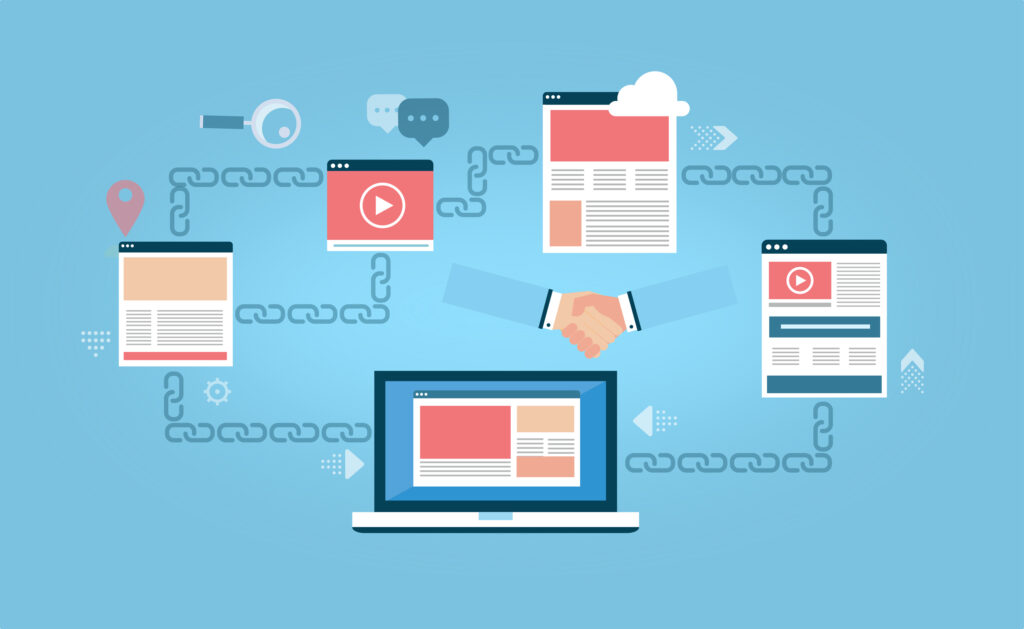
Link Building – Backlinks – SEO
Even the most beautiful design won’t perform if it’s not optimized for SEO. Keep these best practices in mind:
- Use lightweight themes and compress all images.
- Optimize your page titles, meta descriptions, and URLs.
- Add internal links between key pages and related blog posts.
- Use schema markup for services, FAQs, and reviews.
- Connect with Google Search Console early to track performance.
This is where services like HassanSEO come in — helping agencies and freelancers optimize web projects with white-label SEO solutions, so you can design freely while we handle the rankings.
Related Resources
- Best Page Builders for Non-Coders
- Fastest WordPress Themes for SEO
- Best Domain Registrars for Agencies
Conclusion: Design Smart, Build Fast, and Grow
The right tool depends on your goals — whether it’s Wix for simplicity, Elementor for flexibility, or Webflow for growth.
Every beginner can now create a fast, responsive, and professional website without touching code. The key is to choose the platform that aligns with your skill level and future plans.
And when you’re ready to scale — improve speed, SEO, and performance — HassanSEO’s white-label services are here to help agencies and creators grow without adding more workload.
Read More: SEO Services for Makeup Artists